Send your voice.
Listen.
Listen to the voices in your channels and groups, like them, and send your own.
For iPhone and Android · in Kurdish and Arabic


Channels to listen to.
Groups to talk in.
Everything on DangClub is a voice: you listen, you like, and you send your own.
-
01
Channels
In a channel, only admins post voices. You follow it, listen, and like what you hear.
-
02
Groups
In a group, every member sends voices — for friends, family, classmates and colleagues.
-
03
Listen & like
Play every new voice with one tap. Like it, share it, or send it on to another group.
-
04
Private, by invite link
Private groups and channels never show up in search. Only people with the invite link can join.


Simple, calm and safe.
DangClub is made for listening, not for endless scrolling.
Voice only
No text posts, no chats, no calls. Everything you hear on DangClub is someone’s voice.
Phone-number login
Get a code by text message — no password needed. Your number is never shown to anyone.
Block & report
Block someone: you won’t see their voices and they can’t add you. Report abuse: the DangClub team reviews it and your name is never shown.
Private spaces
Keep family and friends’ groups private. Admins can renew the invite link and switch off the old one.
Hide likes
If you want, others won’t see how many likes your voices get, or who liked them.
Kurdish & Arabic
The app speaks Sorani Kurdish and Arabic, right-to-left. Switch language any time.
- No text
- No chats
- No calls
Just voice.
Real people’s voices — stories, poems, news and laughter.
Take a look at DangClub
A few screens from the app.
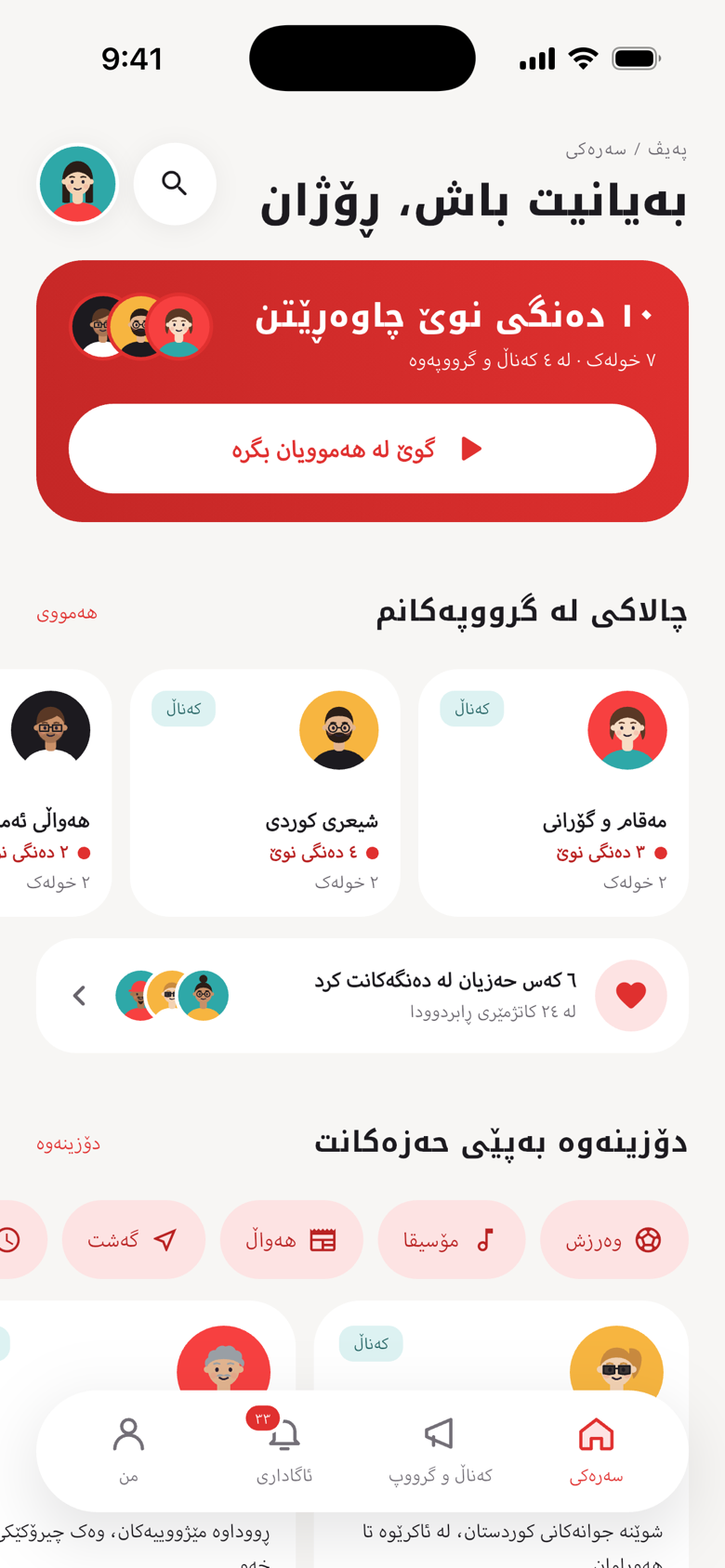
Home 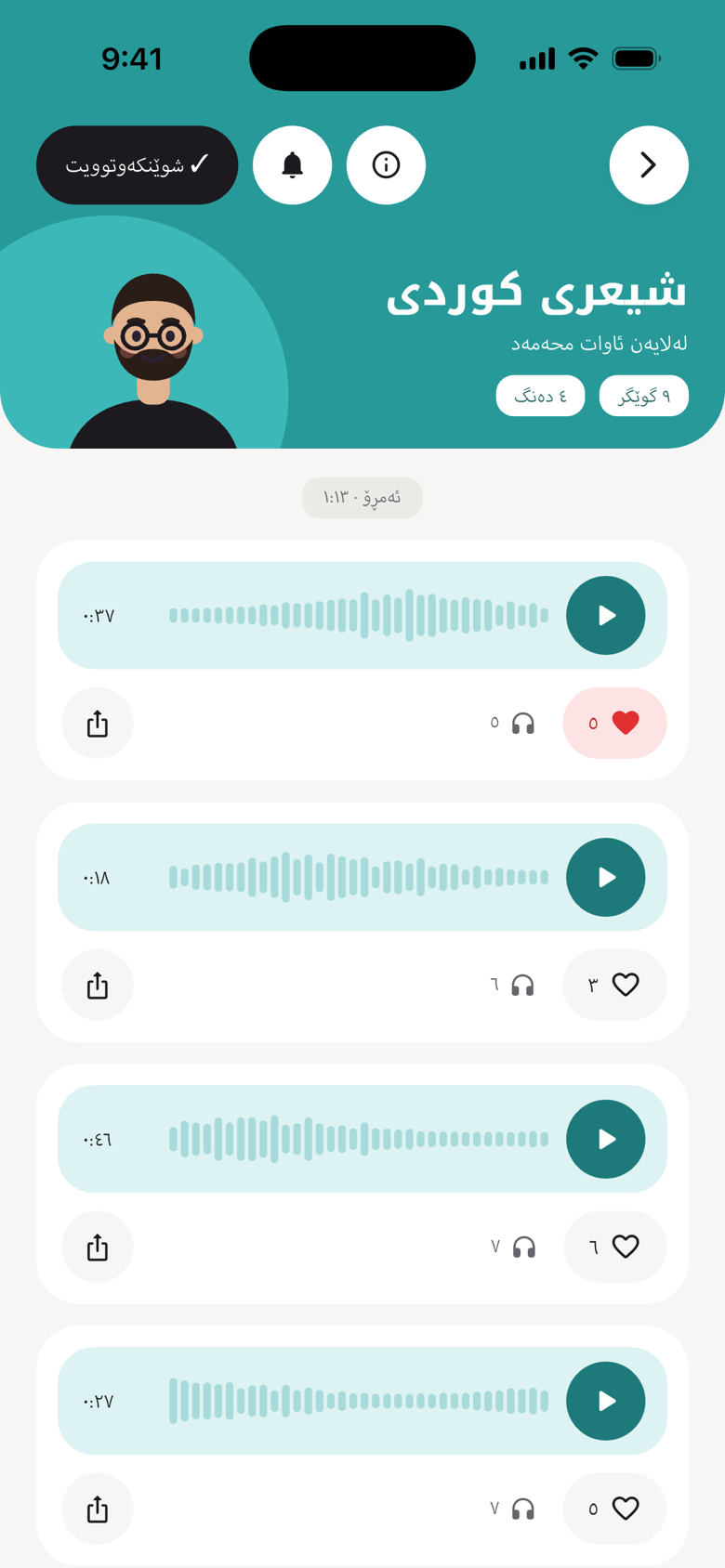
Channel 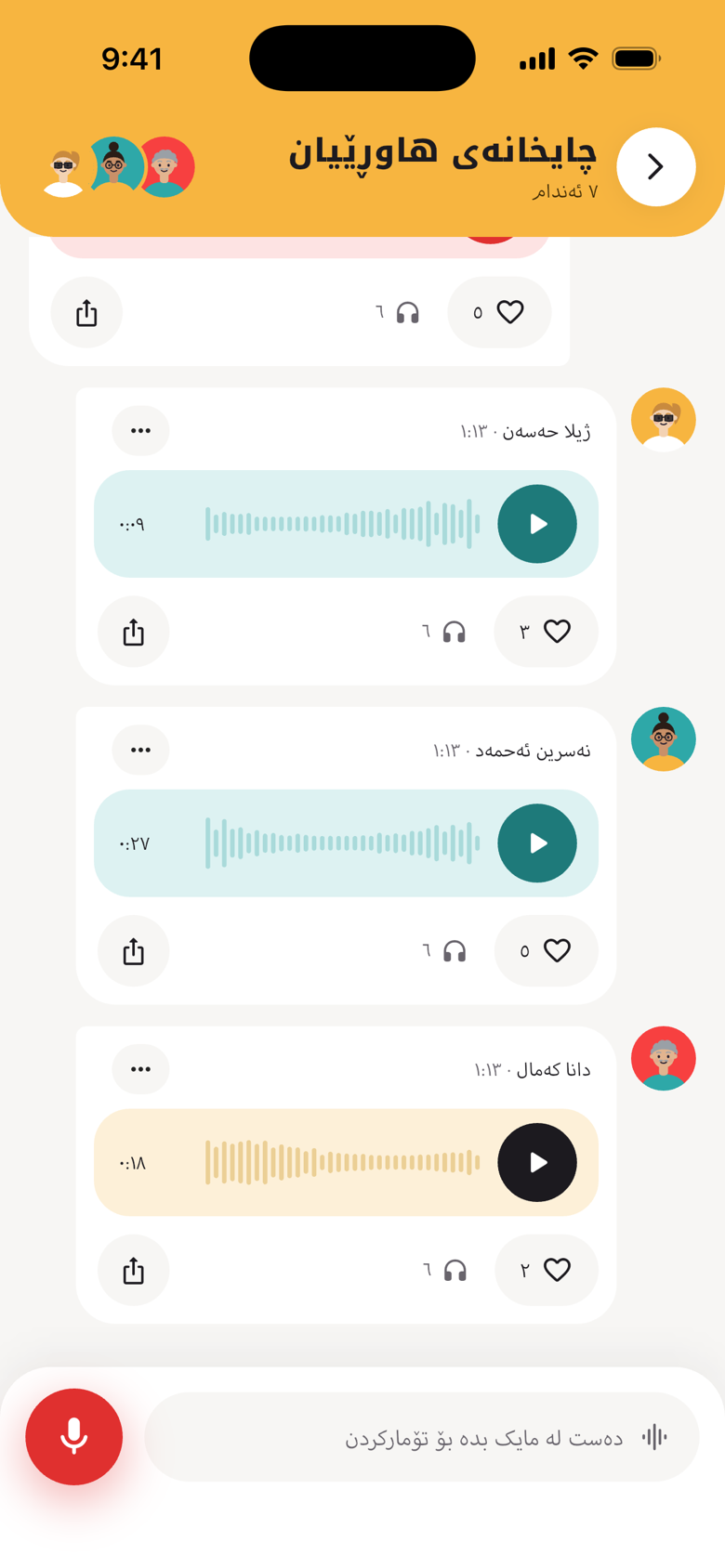
Group 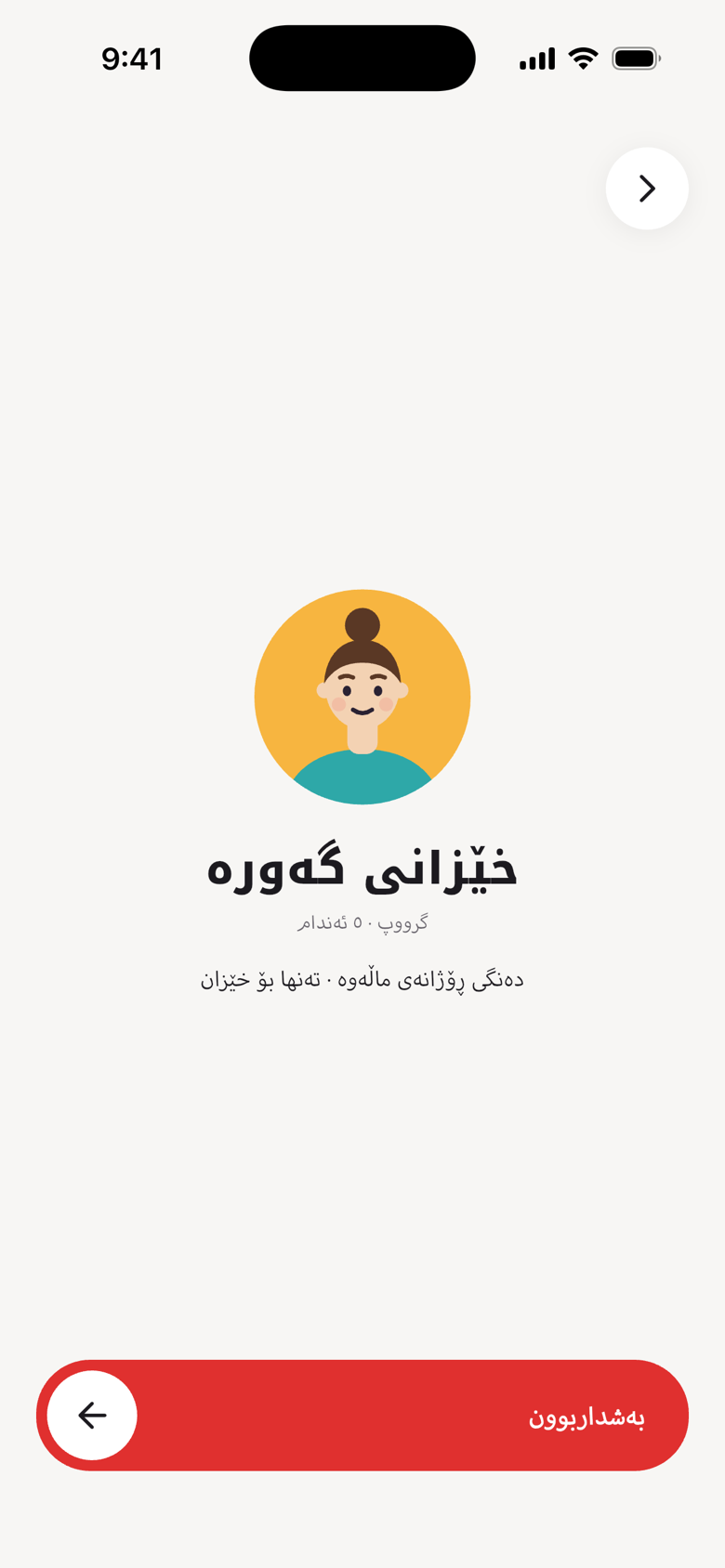
Invite
Frequently asked questions
Can I send text or messages?
No. DangClub is voice only: there are no text posts, no chats and no calls.
What’s the difference between a channel and a group?
In a channel only admins post voices; everyone else listens and likes. In a group every member can send voices.
How long do voices stay?
Group voices disappear automatically 24 hours after they are sent, and they cannot be recovered. Channel voices stay until the sender or the channel owner deletes them.
How do I join a private group?
An admin of the group sends you an invite link. Open it and DangClub shows you the group so you can join. If the link has been switched off, ask for a new one.
How do I sign up?
Enter your mobile number, then the code we send you by text message. Then pick a name and a photo or a cartoon character.
What if someone bothers me?
Report or block them from their profile or from their voice. Your name is never shown, and the DangClub team reviews every report.
Who can see my phone number?
No one. Your number is only used to log in and is never shown to other people.
How do I delete my account?
In the app: Settings → Delete account. Or see the delete account page.
Ready to send your first voice?
Get DangClub and start listening to your channels and groups.